🏠 Home 📘 Design Guides ⚡ Pro Plans ℹ️ About 📧 Contact 🔒 Privacy
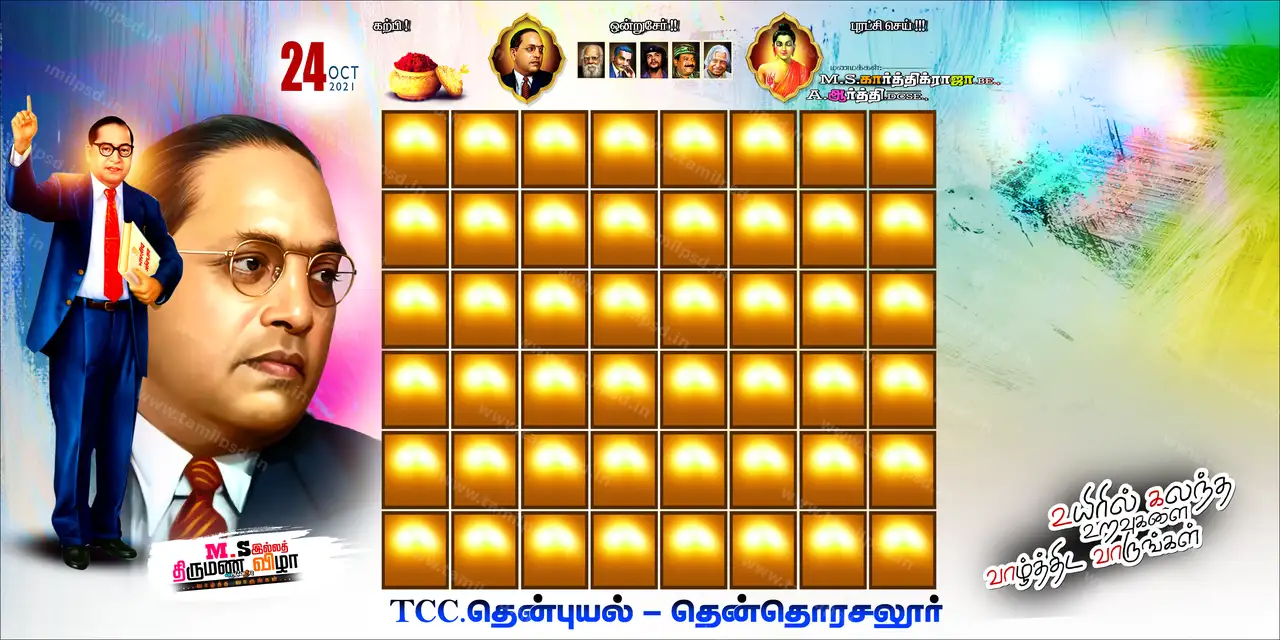
Portrait of Dr. BR Ambedkar PNG Cutout Download – Tamil PSD Download
Ambedkar #tamilpsd-2941
⚡ Pro quality PSD

Portrait of Dr. BR Ambedkar PNG Cutout Download

Design #2941 · 2480×3508 · portrait · 300 DPI · CMYK · 16.24 MB · Ambedkar

Design ID #tamilpsd-2941
Category Ambedkar
File Type PSD Adobe Photoshop
License ✓ Pro members · commercial use
Tags portrait, dr br ambedkar, indian history, politics, law, black suit, red tie, formal attire, vintage look, historical figure, independence day celebration, psd template
📐 2480x3508pixels 🖨️ 300 DPI DPI 🎨 CMYK 💻 Adobe Photoshop CC 💾 16.24 MB
₹ Need more downloads today?Pro: 50 PSD/day · ₹189 / 28 days · ₹900 / 6 months · ₹1,499 / year See plans →
Share:
📥

How to Download

  1. Click Download PSD above and sign in if prompted
  2. File downloads automatically — no extra redirects
  3. Check your browser Downloads folder
  4. Open with Adobe Photoshop CS6 or newer — see our PSD editing guide
⚠️

Download not starting? Try again. Broken link? Contact us.
Advertisement

📝 About this design

Looking for a ready ambedkar design? "Portrait of Dr. BR Ambedkar PNG Cutout" is a transparent PNG cut-out you can customise in a few minutes. At 2480 × 3508 px and 300 DPI it gives a crisp 8.3 × 11.7 inch print in portrait orientation. This is exactly A4 at 300 DPI, so it suits posters, notices and invitations printed on A4 sheets. Because the file is CMYK, it can go straight to most flex and offset printers without colour conversion. The download is 16.24 MB and opens in Adobe Photoshop CC. Drag the cut-out into your banner file, resize it with Free Transform (Ctrl+T) and add a soft shadow so it sits naturally. Tip: Use a layer mask instead of the eraser so you can restore edges later.

🖨️ Print & usage tips

More in Ambedkar designs · Guide: How to Replace a Photo in a PSD Template (Smart Objects)

Design guides

Practical how-tos for editing and printing Tamil PSD files