🏠 Home 📘 Design Guides ⚡ Pro Plans ℹ️ About 📧 Contact 🔒 Privacy
Anil Kapoor PNG Cutout Download – Tamil PSD Download
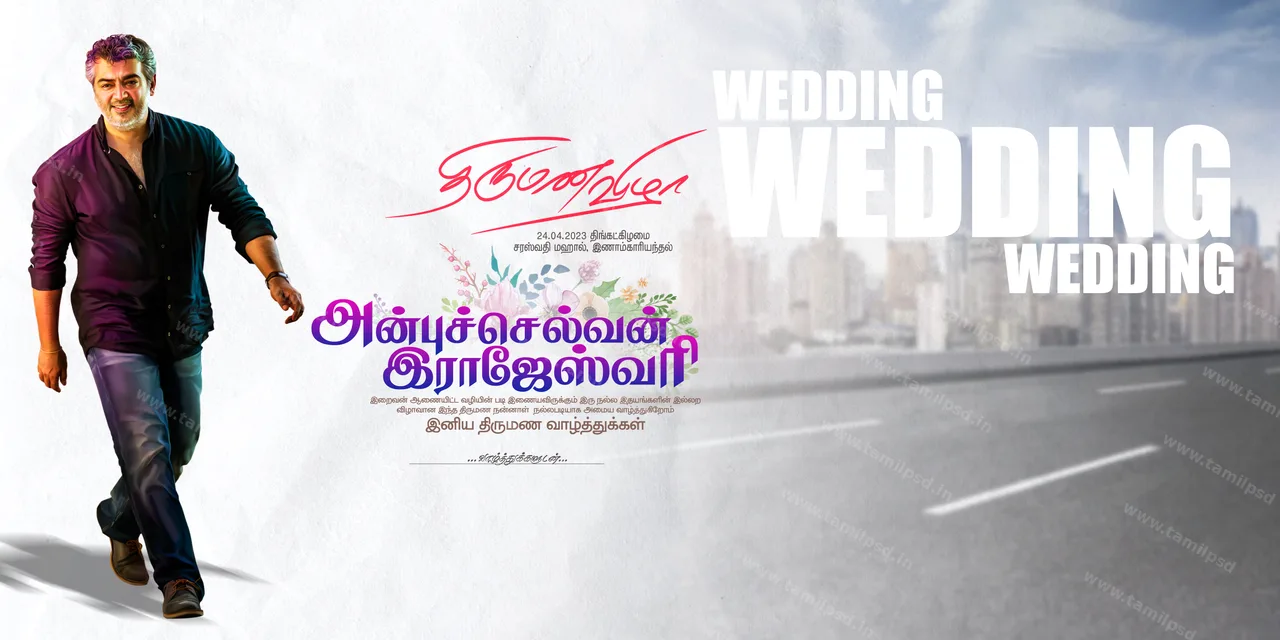
Ajith #tamilpsd-10779
⚡ Pro quality PSD

Anil Kapoor PNG Cutout Download

Design #10779 · 2480×3508 · portrait · 300 DPI · RGB · 32.08 MB · Ajith

Design ID #tamilpsd-10779
Category Ajith
File Type PSD Adobe Photoshop
License ✓ Pro members · commercial use
Tags tamil actor, anil kapoor, suit cutout, fashion png, male model psd, bollywood star, formal wear, celebrity portrait, high-end look, professional attire, indian cinema icon
📐 2480x3508pixels 🖨️ 300 DPI DPI 🎨 RGB 💻 Adobe Photoshop CC / Illustrator 💾 32.08 MB
₹ Need more downloads today?Pro: 50 PSD/day · ₹189 / 28 days · ₹900 / 6 months · ₹1,499 / year See plans →
Share:
📥

How to Download

  1. Click Download PSD above and sign in if prompted
  2. File downloads automatically — no extra redirects
  3. Check your browser Downloads folder
  4. Open with Adobe Photoshop CS6 or newer — see our PSD editing guide
⚠️

Download not starting? Try again. Broken link? Contact us.
Advertisement

📝 About this design

This Ajith template, "Anil Kapoor PNG Cutout", is supplied as an editable transparent PNG cut-out in portrait format. The canvas is 2480 × 3508 pixels at 300 DPI, which prints sharply at about 8.3 × 11.7 inches. This is exactly A4 at 300 DPI, so it suits posters, notices and invitations printed on A4 sheets. It uses RGB colour, ideal for WhatsApp and social media; for flex printing, convert a copy to CMYK and check the reds and oranges. The download is 32.08 MB and opens in Adobe Photoshop CC / Illustrator. Drag the cut-out into your banner file, resize it with Free Transform (Ctrl+T) and add a soft shadow so it sits naturally. Tip: Drag this file into your banner PSD and resize it with Free Transform (Ctrl+T) holding Shift.

🖨️ Print & usage tips

More in Ajith designs · Guide: 12 Wedding Banner Design Tips That Print Well

Design guides

Practical how-tos for editing and printing Tamil PSD files